
Transparent circle alpha preview
A checker pattern makes transparent corners obvious before download instead of hiding them on a white page.
Crop image circle transparent files with a visible checkerboard preview, clean antialiased edges, and no white square. The transparent circle is processed only in the browser, and PNG is selected by default.
Live circle preview
Drag to position · Scroll to zoom · Arrow keys for precise movement
Three simple steps
The complete workflow stays on this page, from the source image to a finished local download.
Upload, drop, or paste the photo or logo you want to turn into a transparent circle.
Frame the subject and inspect the checkerboard around the circle. Add a border only if the design needs one.
Keep a transparency-capable format selected, choose the output size, and download the local render.
Built for the real task
Every control changes the downloaded image. There are no decorative preview buttons, hidden signup gates, or server upload steps.
A checker pattern makes transparent corners obvious before download instead of hiding them on a white page.
Canvas clipping produces a smooth circular boundary at the selected output resolution.
The export panel explains that JPG cannot keep transparency and shows the background color it will use.
Use Fit full image for a complete logo or Fill circle for a profile photo that should occupy the frame.
Real output patterns
These language-neutral examples show the kinds of spacing, transparency, and border choices the tool produces.

No white square appears around the circular subject.

Place the same transparent circle logo on several backgrounds.
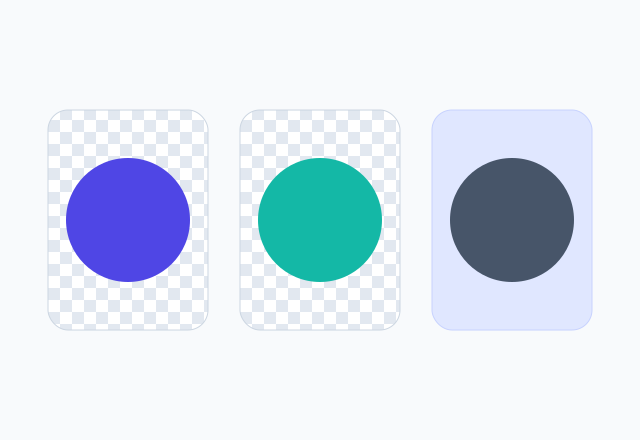
Compare alpha corners with a fixed-color JPG background.
A transparent circle image is still stored on a square canvas, but pixels outside the round subject have an alpha value of zero. Those invisible corners allow a logo, portrait, or icon to sit cleanly over light, dark, patterned, or colored backgrounds.
A screenshot of a circle on a white page is not transparent. This tool displays the transparent circle over a checkerboard, a standard editor convention, so you can confirm the edge before saving.
PNG preserves transparency and is widely supported by presentation software, websites, document editors, and design apps. WebP also supports alpha transparency and can reduce file size, which is useful for modern websites. JPG is designed for photographic compression and has no transparent channel.
If JPG is required, choose a background color that matches the final placement. If the same circle crop will be reused in several places, transparent PNG is usually the more flexible master file.
White corners usually mean the image was exported as JPG or the source already contained a white square. Select PNG or WebP and look for the checkerboard beyond the circle. If white remains inside the circle, it is part of the source and requires background removal rather than geometric cropping.
Jagged edges are more visible on very small outputs. Export at the intended display size or a higher multiple, then let the destination scale it down. Starting from a higher-resolution source also improves the curved boundary and subject detail.
Transparent circle images are useful for website team sections, author bios, slide decks, directory avatars, podcast artwork, and logo marks. The transparent corners prevent a square block from appearing when the surrounding color changes.
For a logo, switch to Fit full image and leave visual breathing room. For a portrait, use Fill circle and center the eyes slightly above the geometric midpoint. A thin border can help either type remain visible on unknown backgrounds.
Continue with a focused tool
Choose a page with the default settings and guidance that match your next output.
Researched user questions
Direct answers cover formats, privacy, quality, mobile use, and the failure cases that cause most repeat edits.
Upload the image, position it inside the circle, and export as PNG or WebP. Pixels outside the circle are made transparent automatically.
The file may be JPG, or the white area may already be part of the source. Use PNG or WebP for transparent corners and check the checkerboard preview before downloading.
Yes. Modern WebP files can store alpha transparency. PNG remains the broadest choice when the destination software has uncertain WebP support.
No. JPG has no alpha channel. The tool fills the outside area with your selected background color when JPG is chosen.
PNG transparency works in current versions of common slide tools. Insert the downloaded PNG rather than copying a screenshot from the browser.
They can be, depending on image detail and format. WebP often produces a smaller transparent file, while PNG is a reliable lossless choice for logos and graphics.
Yes. A transparent circle can include a solid or gradient border while the pixels outside the ring remain transparent in PNG or WebP.
Choose the destination size when it is known, or export a 1024 pixel transparent circle master for flexible reuse. Avoid enlarging beyond useful source detail.
Return to the editor, add your image, and download a clean result without signing up or uploading the source to a server.
Crop an image nowYour feedback helps make Crop Image Circle more useful and reliable.
Your message has been sent. We appreciate the time you took to help improve Crop Image Circle and will reply if a response is needed.